
CT DOC Mugshots and State Custody
The Connecticut State Department of Correction, or CT DOC, runs the state's public inmate search. Its Inmate Information page links to the official locator. It also spells out who is included. That information changes fast. The search covers people now incarcerated or under CT DOC supervision, not every arrest statewide. Nor is it an archive of every person who ever served time in a state facility.
Connecticut has no county jail system. A town police department or the Connecticut State Police makes an arrest, and that agency keeps the original booking photo and report. The Judicial Branch holds the court layer. CT DOC takes over when someone enters state custody or stays under its supervision. That split matters. The state's adult justice-system outline walks through this full path.
"Mugshot" can mean two different pictures. A police booking photo records an arrest intake. A CT DOC profile photo is an identifier attached to the agency's current offender record. A profile may show an image when one is on file. The image does not confirm the person is still at the listed location now.
Note: The public information page warns that custody details change quickly, so keep the date of a search result with anything based on it.
The DOC's public information page lays out the database's scope and what it leaves out. The official notice appears beside the link to the inmate search. It is not a page of faces. Read the notice before you search.
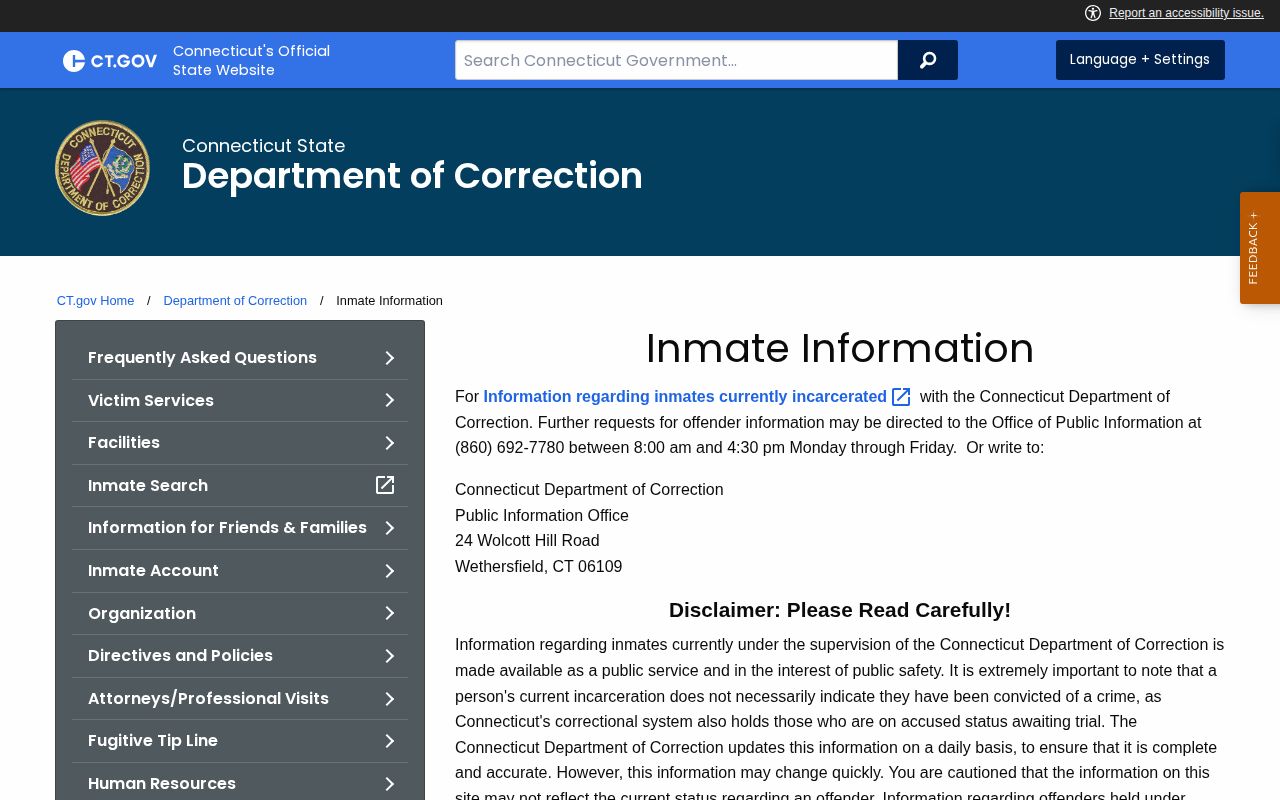
The search reflects a point-in-time custody record. Scope, not outcome, is what a result actually shows.
How CT DOC Offender Search Works
Start at the DOC Inmate Information page. Follow its link to the official CT DOC Inmate Search. The form asks for one or more fields. A DOC inmate number narrows a match nicely. Name and birth-date fields help separate people with similar names, so treat each field as a search aid rather than a promise.
| Search field | How to use it |
|---|---|
| CT DOC inmate number | Use the number when known. The official form advises entering only the inmate number or the first few letters of the last name for better results. |
| Last name | Enter a surname or its first letters if the number is not known. |
| First name | Add it to narrow a name search and help compare likely matches. |
| Date of birth | Use the date field when available to check identity against the returned profile. |
Confirm more than the name. Check the date of birth, inmate number, status, admission date, and location. Then read the charge or controlling-offense field plus any bond, sentence, release, or detainer detail on the profile. Treat a photo as just one identifier. A look-alike face or name settles nothing.
- Open the locator from the CT DOC Inmate Information page.
- Enter a DOC number, or use the name fields. Add the date of birth if it helps separate similar names.
- Review each matching result and compare identifying details before opening a profile.
- Read the status, latest admission, location, and the date-related fields shown on the profile.
- Check whether a current offender photo is displayed, and save the page address and the date you viewed it.
- If there is no match, check the limits of this state-custody search and contact the agency that made the arrest when needed.
The official CT DOC inmate locator screenshot shows the search form and its criteria. It displays no individual profile. That keeps the page useful as a clean starting point.
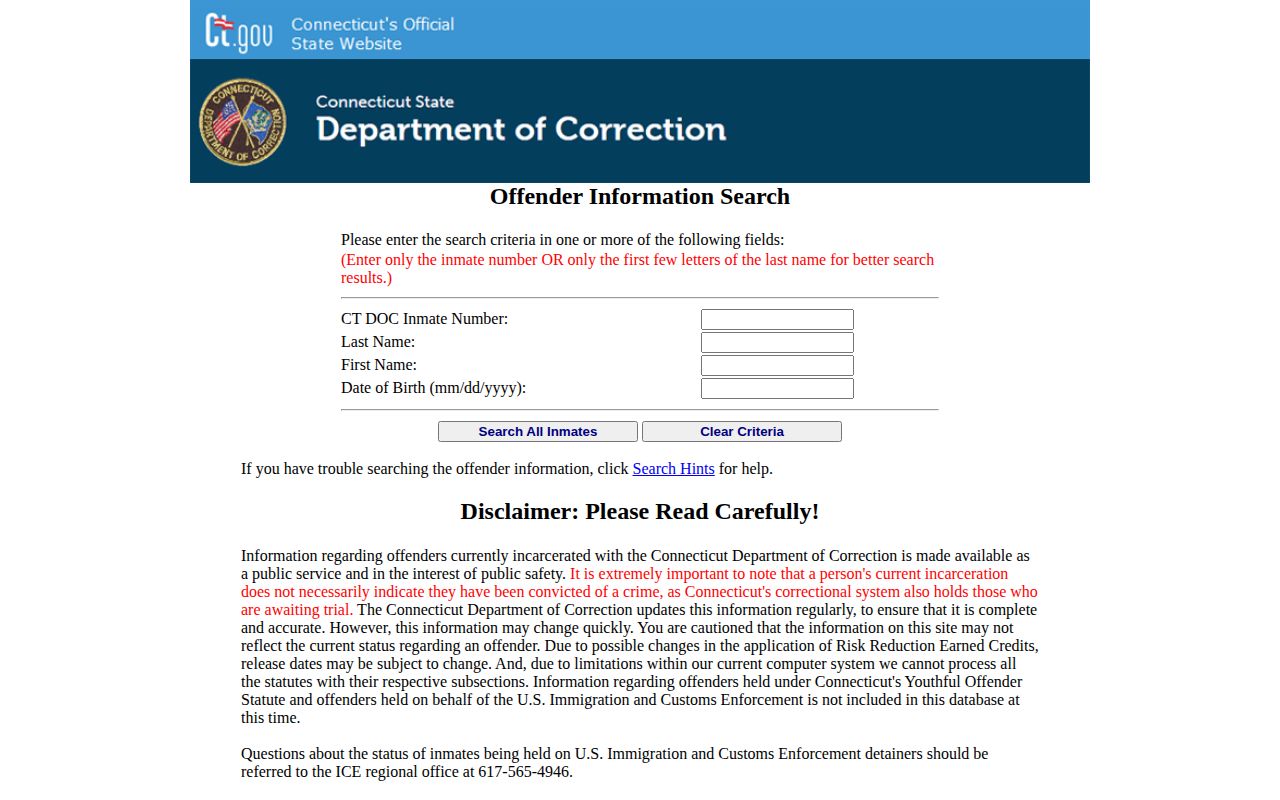
Custody changes shift the results. Keep the view date with any note or request built on a result.
Fields on a CT DOC Profile
The DOC's Management Information Systems description lists the current data categories that feed the public search. A profile is not a full court file. Its fields cover recorded identity, custody, and sentence data as held by DOC. Screens and values can shift. A field may be missing for a given person.
| Profile field | What it can tell you |
|---|---|
| Offender photo | An identification image associated with the DOC record, when one is available. |
| Inmate number, name, date of birth | Core identifiers to help tell one profile from another. |
| Latest admission | The most recent admission information recorded in the system. |
| Location and status | The custody location and current status shown when the page is viewed. |
| Bond and controlling offense | Custody or case labels that may appear for a person awaiting court action. |
| Sentence and release information | Sentence-related data and release information recorded by DOC, which can be subject to change. |
| Detainers | A recorded hold or detainer entry. It is a separate status item and does not by itself establish the result of a Connecticut case. |
Treat those entries as leads. For a charge's court outcome, check the Judicial Branch case file. For an arrest report or police booking photo, ask the municipal department or Connecticut State Police. That is the agency which made the arrest. For a past admission gone from the public locator, send DOC a specific request. Ask the right office first.
Nightly OBIS Data and CAPI Photos
CT DOC's Management Information Systems unit maintains OBIS. OBIS stands for Offender Based Information System. It serves as the agency's primary offender data source, and a nightly feed from it populates the public inmate search. Photos come from a separate system. The MIS unit identifies CAPI as the tool behind inmate pictures. On the public Inmate Information page, the agency says data is refreshed daily. It also warns that details can change quickly. Treat any profile as a moving snapshot rather than a settled fact. None of this sets a photo schedule. The pages do not promise a visible picture on every profile, a new image for each admission, or a photo that updates in step with status data. A 2014 CJIS roadmap adds useful history. It described photo imports for new and existing prisoners as a daily process at that time. That was a plan from years ago. It is context, not a current service guarantee.
A missing or unchanged photo deserves patience. The data may show a fresh custody update even when no image appears, and a visible photo may predate the latest admission. Rely on the agency's posted date, or on a response to a records request, before guessing at a photo's age. The DOC MIS page spells out these system roles.
The MIS page is an agency information page. It is not a batch of offender photographs.
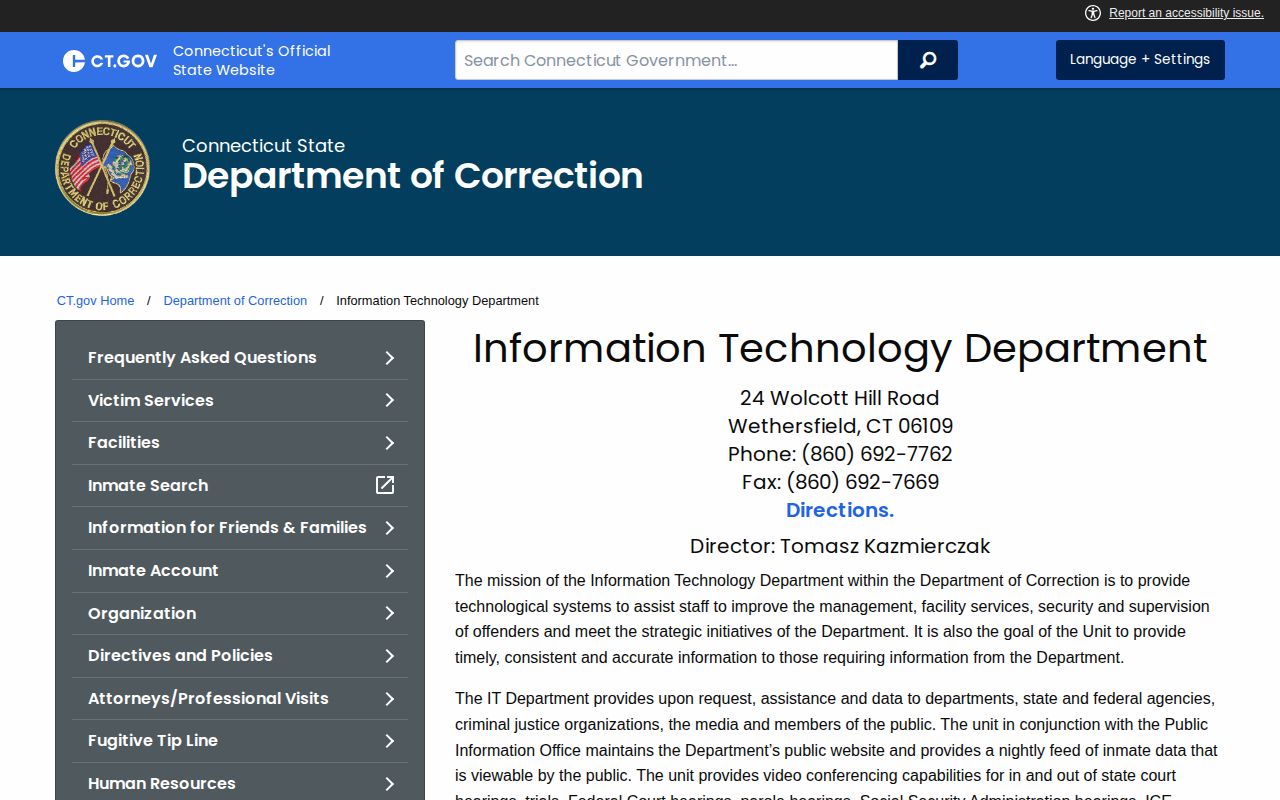
The system pages explain the machinery. For a current profile, the public search itself remains the place to look.
Limits of the CT DOC Search
The state locator tracks a defined population. A blank screen does not mean no arrest happened. Police may have released the person, or released them on a promise to appear or bond. Some stays are brief. A person can be held in a court lockup or another system and never reach DOC admission. If an arrest never became state custody, there is no CT DOC profile to find.
Connecticut's youthful-offender records sit outside the public search. So do people held on behalf of Federal Immigration and Customs Enforcement. Spelling and date mismatches can hide a match too. Statutory restrictions and safety-based exclusions also affect results. Never try to work around a protected record or guess identity from a partial match. The right route depends on the agency and the person's legal status.
Federal prison is another boundary. Someone serving a federal sentence will not appear in this database. The Federal Bureau of Prisons inmate locator is the tool for that custody. It is federal, not a Connecticut record. Pretrial holds can shift between systems, so timing matters. The Bureau of Prisons inmate locator page shows that separate federal interface; it marks a custody line, nothing more.
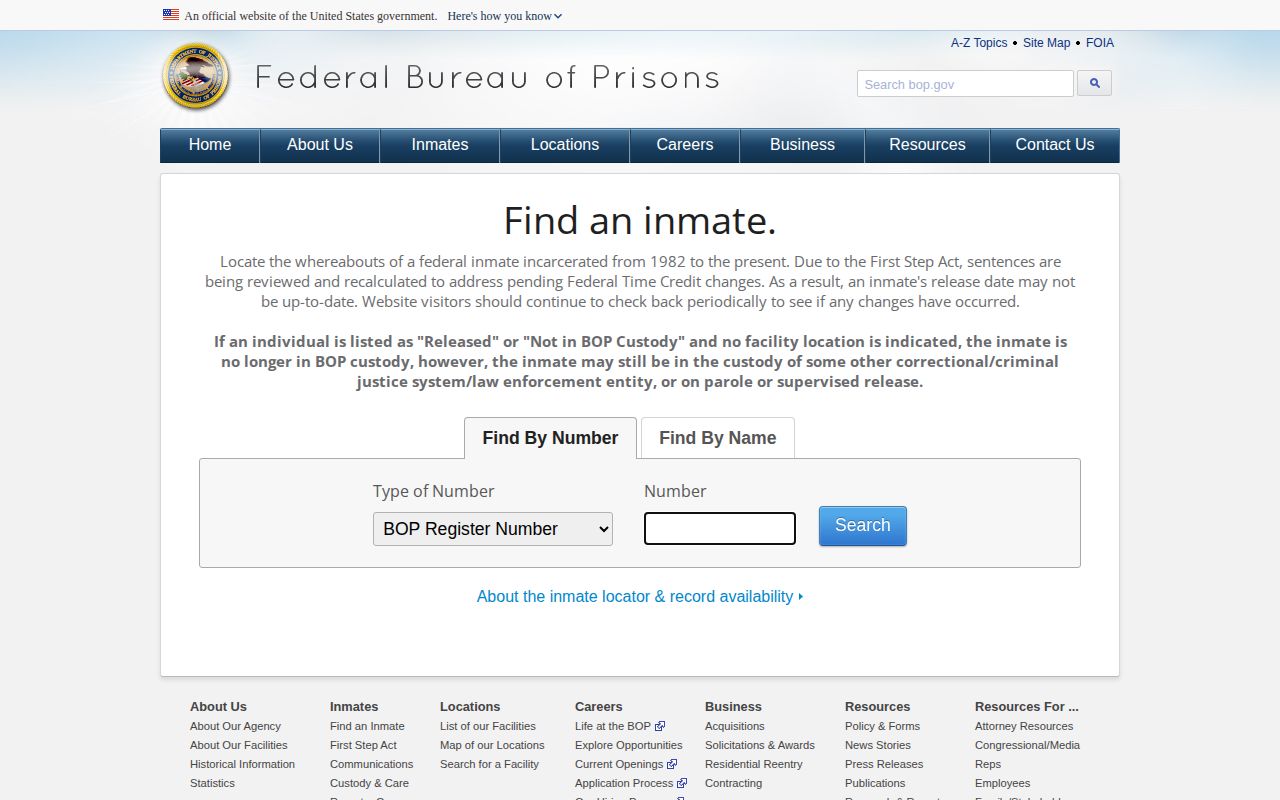
Note: The locator's exclusions explain why someone may not appear, so a blank result is not proof that no arrest occurred.
Immigration custody is different. CT DOC says those people are excluded, and the ICE Online Detainee Locator runs as a separate federal process. An immigration hold is not a Connecticut criminal outcome.
Former CT DOC Profiles and Photos
The public inmate search covers current custody and supervision. That is its whole scope. It does not offer a searchable history of every discharged person, nor does it promise that a former offender's photo stays online. A vanished profile may reflect the search's scope. That does not mean records were destroyed. Administrative Directive 4.4 separates current inmates from discharged offenders. Under that directive, conviction information about a discharged person can be released on request. Other material may sit behind a Freedom of Information request. Those go to DOC's FOI Office. Nothing in the directive turns the locator into a photo archive.
Administrative Directive 1.5 covers photos differently. It allows a current inmate's CAPI photo to go to media in place of a new photograph, subject to DOC's rules. That opens one narrow route to a DOC-held image. It is not a promise that all historical photos are online or open to anyone.
For older records, be specific. Name the information sought and the likely time period. DOC can then say whether it holds the material and whether a law or agency rule limits release. A conviction answer is not confirmation that a photo exists.
Requesting CT DOC Records and Photos
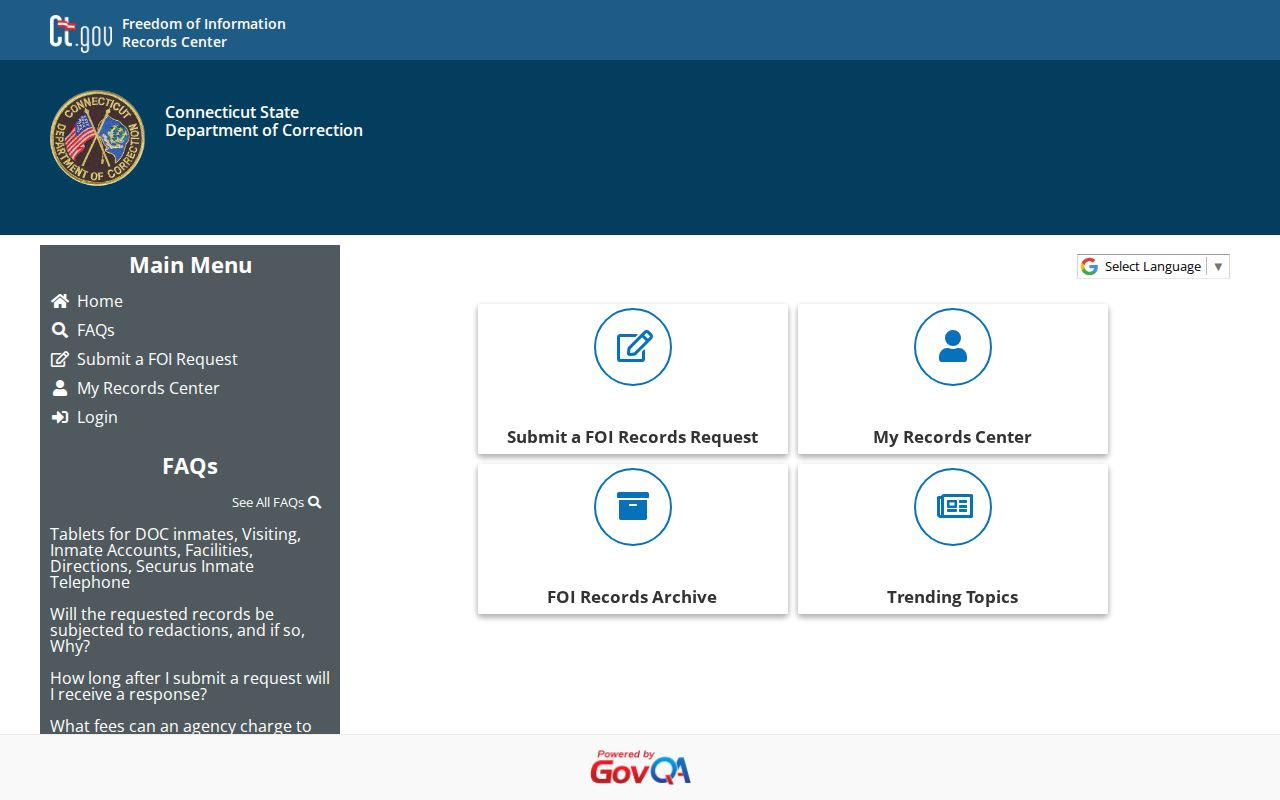
Missing photo? Send a focused request through the DOC Freedom of Information portal. You can also contact the DOC External Affairs FOI Office. That office coordinates the agency's compliance with Connecticut's Freedom of Information law. DOC answers over 3,000 requests a year. That volume says nothing about how fast one request moves, so plan for a wait rather than a set turnaround. Be precise. Give the person's name and DOC inmate number if you have it. Add an approximate admission or custody period. Name the exact photo or record you want. If DOC withholds part of a record, ask for the legal basis and for any portion that can be separated and released.
Please provide any nonexempt DOC record. Include current or historical inmate-identification photographs for the named person. Add the DOC number and custody period if known. If anything is withheld, state the basis and release any reasonably separable portion.
Treat the sample as a starting point. It makes no claim that DOC holds a particular image. Some records need review first. No fixed fee or response time covers a single photo request, so ask DOC about any charge that applies. Note: The cited request sources set no individual photo-request deadline or fee, so DOC must confirm any timing or charge that applies. The DOC request portal offers a records center. New requests start there. So does request tracking. The menu lists each option plainly.
Need bulk or statistical data? DOC routes those through a separate data-request process, and fees or handling may differ from a single-record request.
CT DOC Photos vs Arrest Photos
Match the record holder to the event. CT DOC answers questions about current state custody and the photos in its system. The arresting police agency holds the original report. It also holds the intake image. Connecticut has no county sheriff or jail office acting as a universal middle stop.
| Record sought | Likely record holder | What it answers |
|---|---|---|
| Current state custody profile or DOC photo | CT DOC Inmate Search, then DOC FOI for records not shown online | Whether the person is in DOC custody or supervision now, and what profile data is available. |
| Original arrest or booking photo | Municipal police or Connecticut State Police that made the arrest | What the arresting agency created or holds, subject to its disclosure rules. |
| Case status or disposition | Connecticut Judicial Branch case lookup or the court clerk | What happened in the court case, rather than where a person is held now. |
For the arrest-agency path, the County Directory routes to Connecticut's geographic county and city pages. Those labels help you find the right police department. They are not jail jurisdictions. State custody questions go to CT DOC. Original arrest questions go to the police agency that made them. A DOC offender photo and a police booking photo can look alike. They come from different systems, though. Dates, rules, and custodians may all differ. Never label one as the other just because both show a head-and-shoulders view.
CT DOC Records and Court Outcomes
A custody search and a court search answer different questions. CT DOC shows current custody or supervision. The Connecticut Judicial Branch criminal case lookup shows the case itself. There you can see whether a matter is pending, dismissed, nolled, acquitted, convicted, or otherwise resolved. Coverage depends on the portal's scope and exclusions. Some people in DOC custody are awaiting trial. A booking image captures an intake event. The court record shows what became of the charge. A blank docket has several possible causes. Think of a juvenile or youthful-offender record, an erased or sealed matter, a federal case, a spelling issue, or a case not yet indexed.
A booking photo works as an identifier. Check the court disposition from the CT DOC record before you describe any outcome.
CT DOC's locator is not a certified criminal-history record. A court docket is not a custody roster either. For statewide criminal-history records, the Division of Criminal Justice points to the State Police Bureau of Identification. The right source depends on your question. Are you asking about an arrest, a court result, state custody, or a formal history? Pick accordingly. Connecticut's custody path runs through three doors. Arresting agencies, courts, and DOC each hold a piece. Start with the Connecticut statewide search page for the broader arrest and record path. No single online mugshot search covers every arrest in the state.